VMware Vsphere ESXi 7.0 U3 Installation
Background/Environment
Model: Dell PowerEdge R740
OS: VMware ESXi 7.0 U3 20036589
CPU: Intel(R) Xeon(R) Gold 6138 CPU @2.00GHz *2
Ram:DDR4 2133MT/s
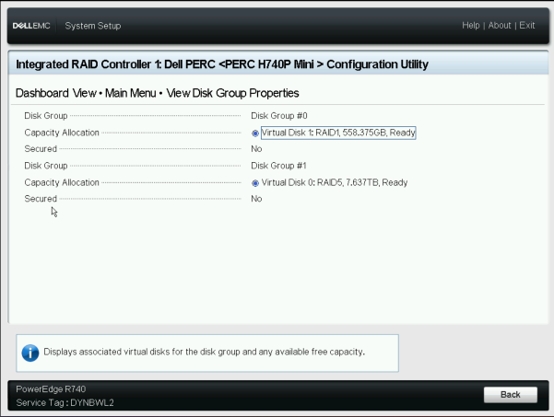
Storage: 558.38GB SAS HDD*2 & 1117.25GB SAS HDD *9
Raid Card Configuration – Before Installation
(optional: depends on your requirement)
Device Setting > Raid Card > Main Menu > Virtual Disk Management > Create Raid etc.
FYI
For Enterprise Environment , OS disk should be Raid1/Mirror mode & Data disk should be Raid5/6.
Sometimes will have hot spare disk.
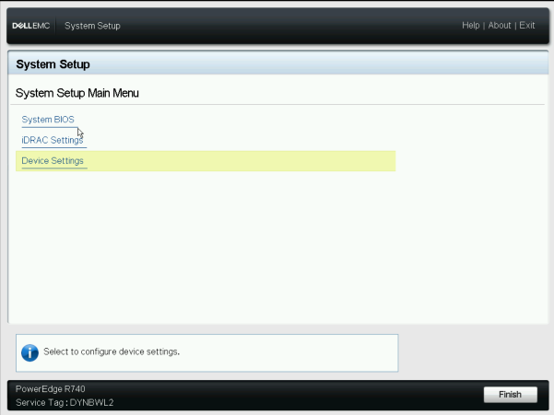
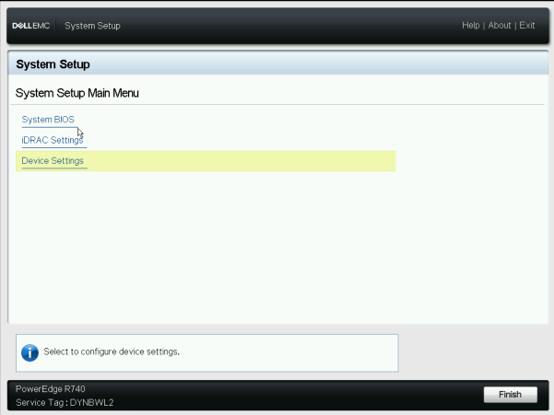
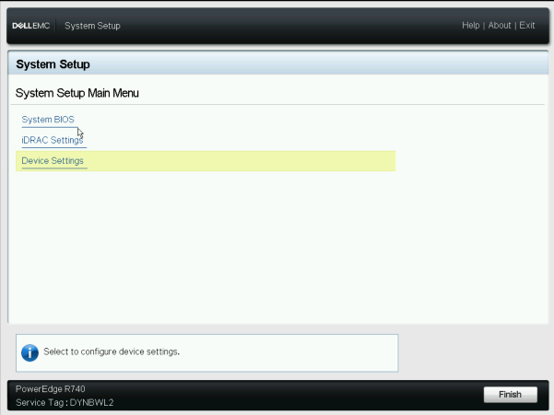
This page show the RAID configuration.
ESXi Installation
Summary Key:
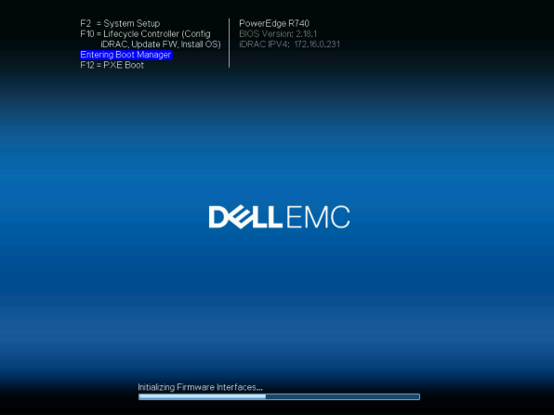
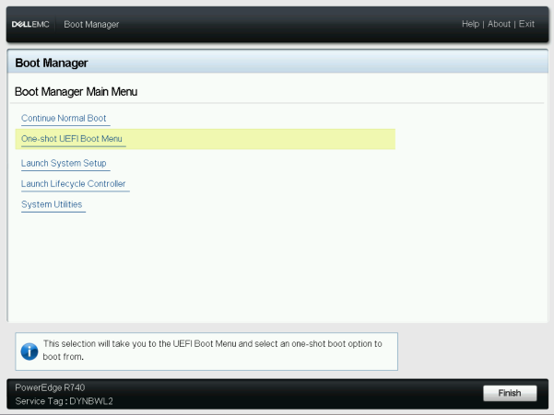
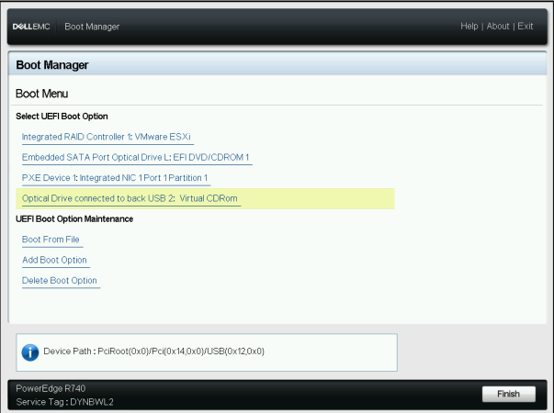
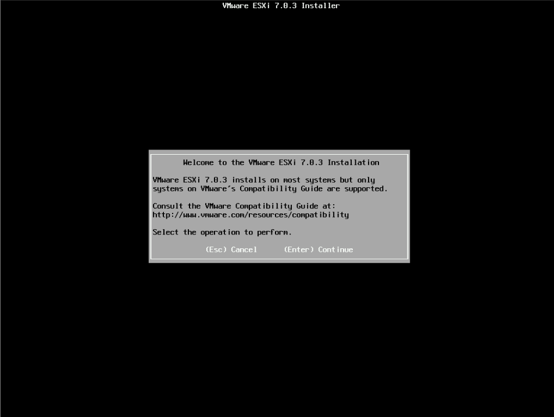
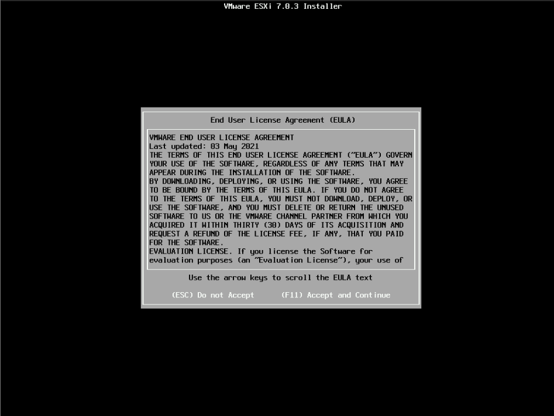
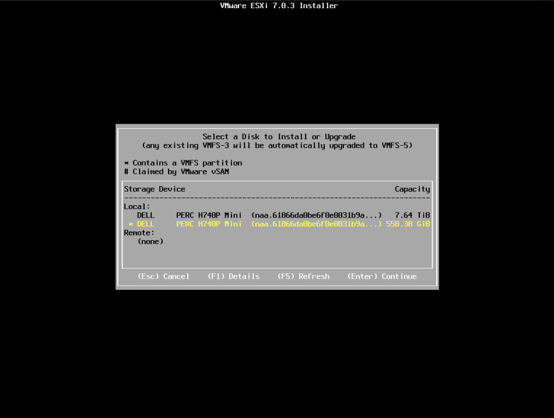
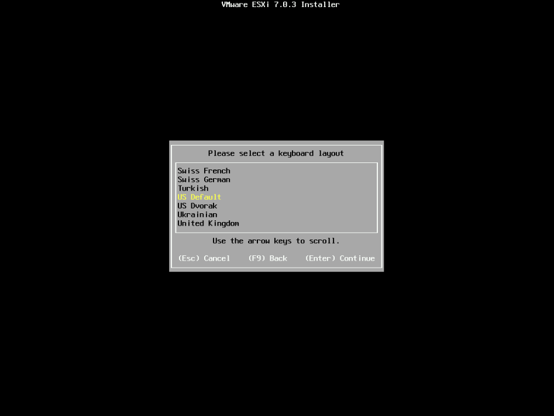
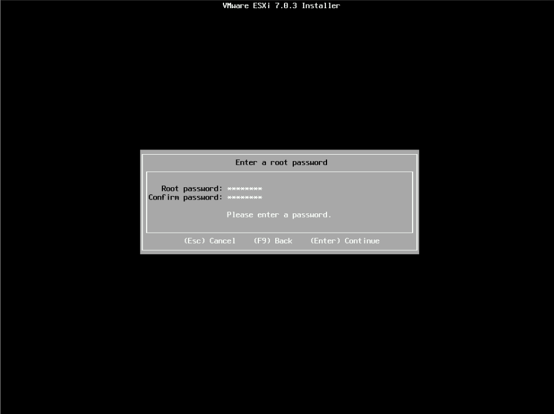
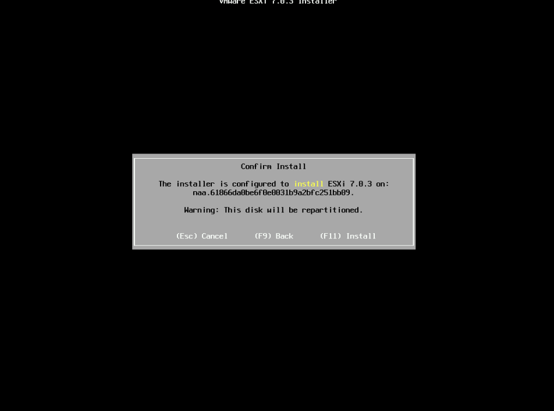
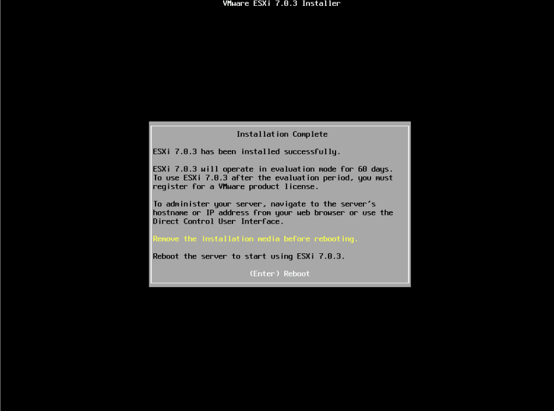
F11 One Shot UEFI Boot Menu ESXi ISO(your USB) Enter(Continue) F11 (Accept and Continue) Select OS location Enter Input Password Enter F11(Install)
Sources
ESXi 7.03 Dell ISO
https://www.dell.com/support/home/zh-hk/drivers/driversdetails?driverid=06nyd